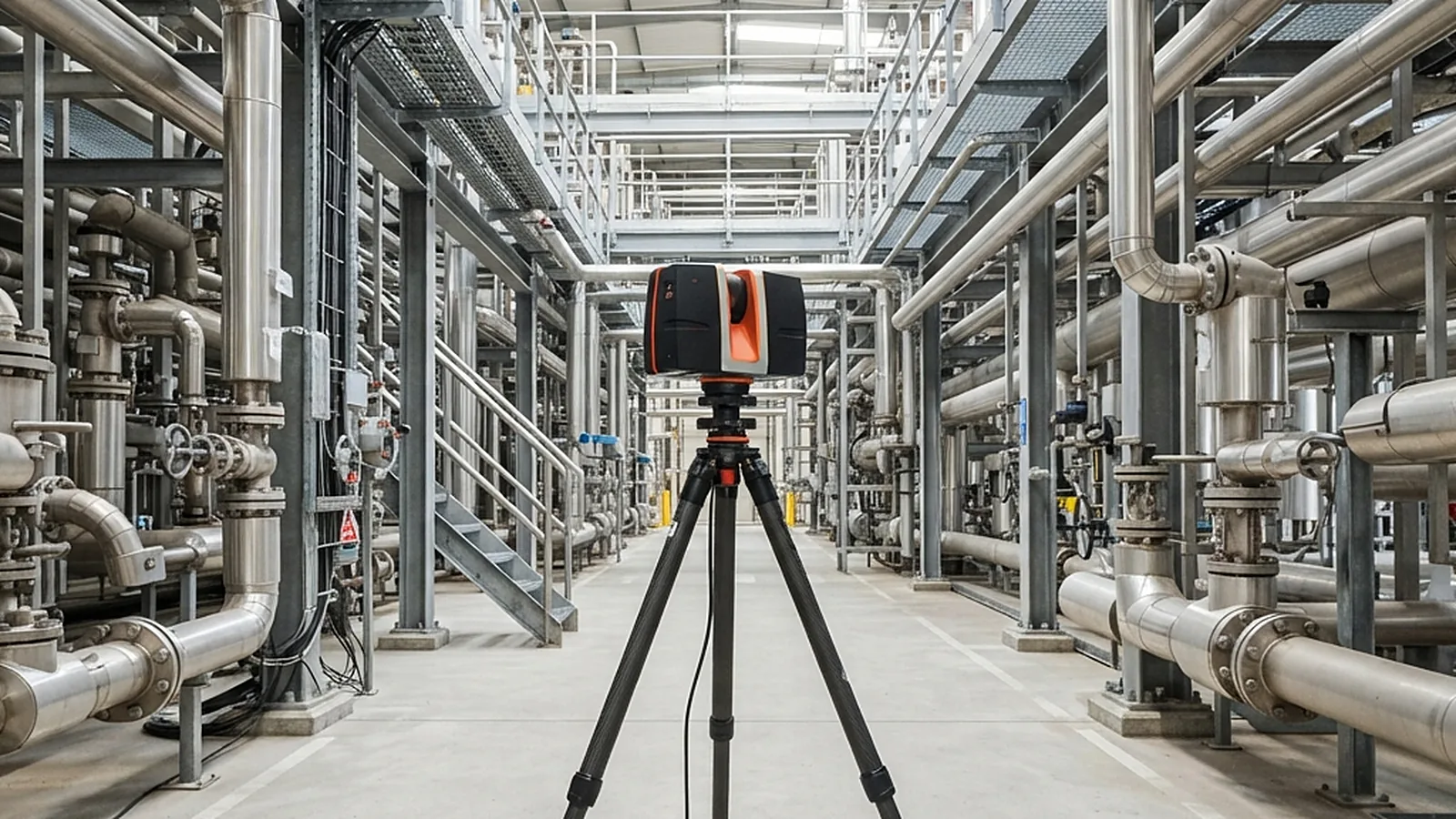
Scanning & Digital Twin Scope
From site survey to a model you can design in: the work this service covers.
Capture
Scanning & Digital Twin Services
What each stage of a scanning project delivers, and the data it rests on.
Site survey and scan planning
CaptureSurvey control
Scope & Configuration
Plan scanner positions so every surface that matters is seen, including congested pipework and elevated areas.
Method & Approach
Walk the site, set survey control, place scan stations with overlap, and plan around operating equipment, hazardous areas and access limits.
Point-cloud registration and cleaning
CaptureCleaned and segmented data
Scope & Configuration
Combine individual scans into one aligned point cloud and remove noise and unwanted objects.
Method & Approach
Register scans using targets or cloud-to-cloud matching, check the registration error against the required tolerance, then clean and segment the data by area and system.
Existing-condition 3D modelling
ModellingTagged components
Scope & Configuration
3D models built from the point cloud at the level of detail the project needs.
Method & Approach
Model pipework, steel, equipment and supports from the point cloud, tag components to the plant’s naming convention, and check the model back against the cloud.
Drawings of the existing plant
ModellingPiping isometrics
Equipment layouts
Scope & Configuration
Dimensioned 2D drawings extracted from the verified model or point cloud.
Method & Approach
Extract views from the model, dimension them, and issue drawings under the client’s numbering and revision control.
Scan-to-CAD and scan-to-BIM
ModellingScope & Configuration
Deliver scan data in the formats and structure the design team works in.
Method & Approach
Convert the model to the target format, structure it by discipline, and document the level of development.
Revamp design and clash checks
PlanningClash and fit reports
Scope & Configuration
Design new pipework, steel and equipment inside the captured plant, and check that it fits.
Method & Approach
Place the new design in the as-built model, run clash and clearance checks, and resolve conflicts on screen before fabrication.
Shutdown and tie-in planning
PlanningShutdown sequence and logistics study
Scope & Configuration
Use the model to plan each tie-in, pre-fabricate off site and sequence the work.
Method & Approach
Identify tie-in points in the model, pre-fabricate piping to measured dimensions, and plan crane and access routes with the 3D data.
Digital twin and asset-linked model
Digital twinViewer access for non-specialists
Scope & Configuration
A navigable 3D representation of the plant, linked to equipment tags and records.
Method & Approach
Link the as-built model to tags, datasheets and documents, publish it in a viewer for non-specialists, and agree a process for keeping it updated.
How a scanning project runs
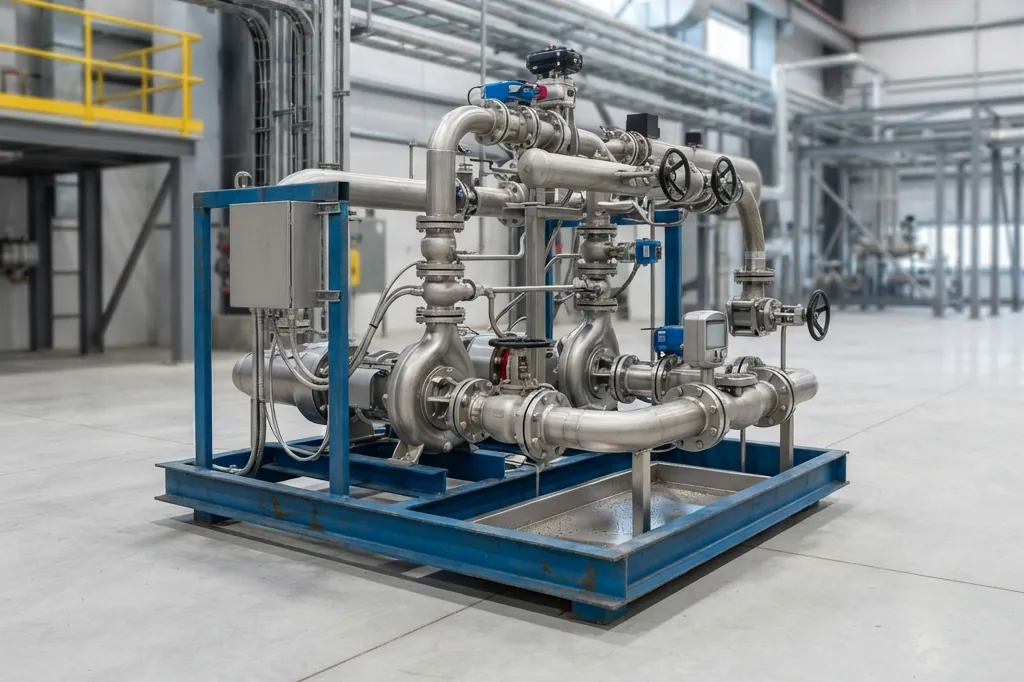
From Site Visit to Usable Model
Every stage has a stated accuracy and output, so the design team can trust the model it builds on.
Scope & Access Planning
Agree the areas, the level of detail and the tolerance, and plan access, permits and safety rules before anyone arrives.
Speak With Our Engineers Site Scanning
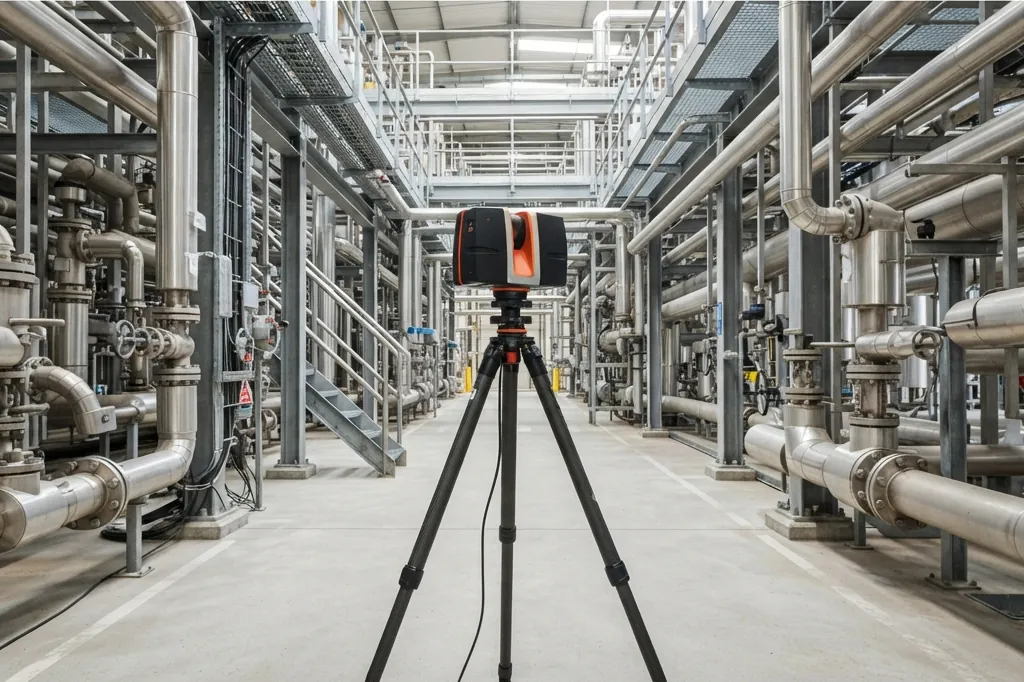
Capture the plant from planned scan positions, with enough overlap to cover congested pipework and elevated areas.
Speak With Our Engineers Registration & Quality Check
Join the scans into one point cloud, check the registration error against the tolerance, and clean the data.
Speak With Our Engineers Modelling the Existing Plant
Build the 3D model and drawings from the point cloud, tagged to the plant’s naming convention and checked back against the cloud.
Speak With Our Engineers Design, Clash & Shutdown Planning
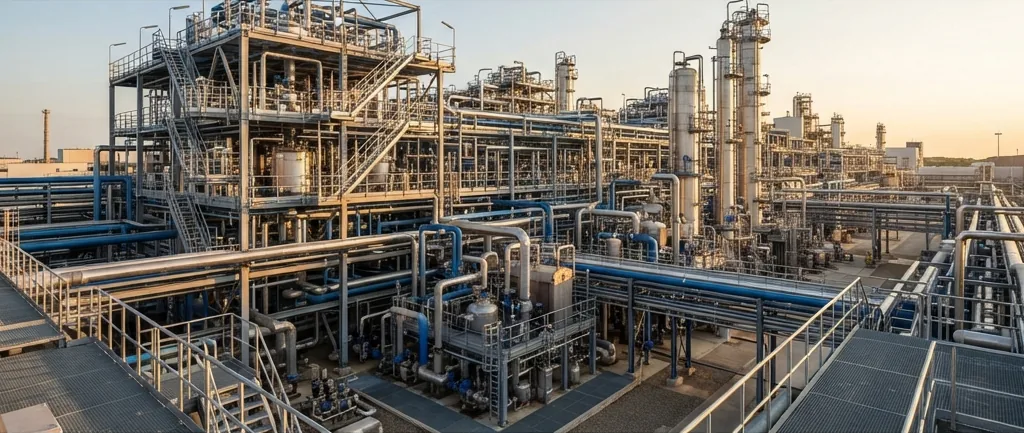
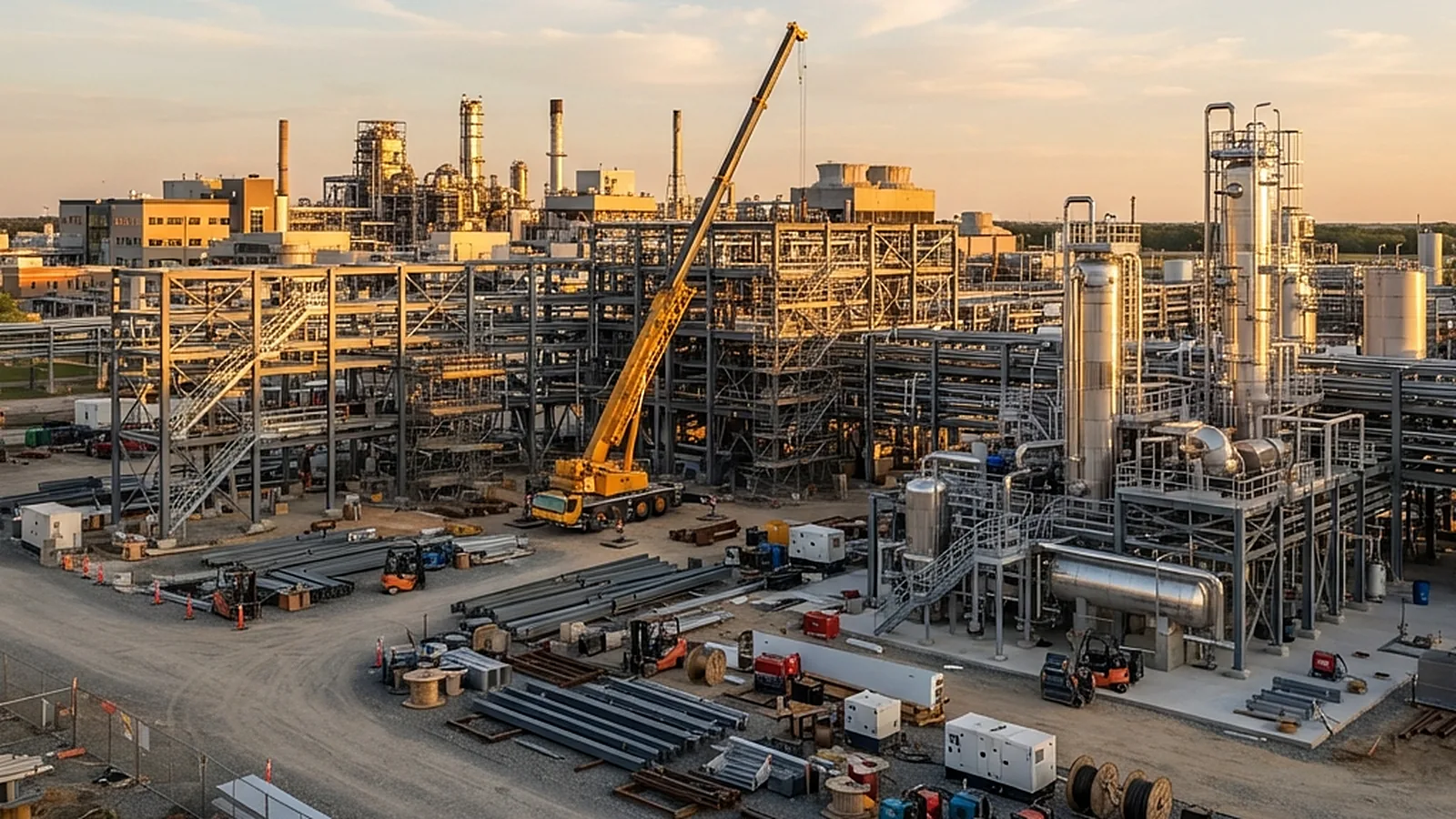
Design the modification in the model, resolve clashes on screen, and plan tie-ins and pre-fabrication around the shutdown window.
Speak With Our Engineers Delivery & Twin Handover
Deliver the data in the agreed formats and, where required, set up the digital twin with an owner and an update process.
Speak With Our EngineersNeed an existing plant captured or revamped?
Tell us about the site, the areas and what the model will be used for, and we will outline the scan plan and the deliverables.
Discuss a Scanning ProjectPlant Engineering Knowledge Base
Facility, scale-up and equipment guides from our technical team.
3D Laser Scanning: How It Works and Where It Fits
3D laser scanning explained for plant owners: how scanners measure, how scans are registered, what accuracy means and where scanning fits in a revamp.
Read MoreReactor Materials of Construction: SS316L, Glass-Lined, Hastelloy
Read MoreCleanroom and GMP Facility Design for Pharmaceutical Manufacturing
Read MorePilot Plant Sizing: Do You Need One, and How Big?
Read MoreScale-Down Models: Designing Lab Work That Predicts the Plant
Read MoreFrequently asked questions
Straight answers to the questions we hear most often.
What is 3D laser scanning?
A laser scanner measures the distance to millions of surface points around it and records them as a point cloud, a dense set of 3D coordinates that shows the real shape of a plant or building. Scans taken from several positions are joined into one model of the whole area.
How accurate is a laser scan?
Accuracy depends on the scanner, the distance to the surface, the overlap between scans and how the scans are registered. A project should state the required tolerance up front, and the registration report shows what was achieved against it.
Can you scan a plant while it is running?
Yes, for most areas. Scanning is non-contact and quick, so it can be done during operation within the site’s permits and safety rules, and classified areas need approved equipment and procedures. Areas that cannot be reached during operation can be scanned in a shutdown.
What is the difference between scan-to-CAD and scan-to-BIM?
Scan-to-CAD produces 2D drawings or simple 3D geometry from the point cloud. Scan-to-BIM produces a structured model in which components carry information such as type, size and tag, and is chosen when the model will be used for design coordination or asset management.
What is a digital twin of a plant?
In practice it is a navigable 3D model of the plant linked to asset information such as equipment tags, datasheets and maintenance records. It is only useful if there is a process to keep it up to date, so ownership and update triggers should be agreed at the start.
How does scanning reduce shutdown time?
The design is checked against the real plant before the shutdown, so clashes are resolved on screen and new pipework can be pre-fabricated to measured dimensions. Less fitting and rework is then needed on site during the shutdown.
Related engineering services
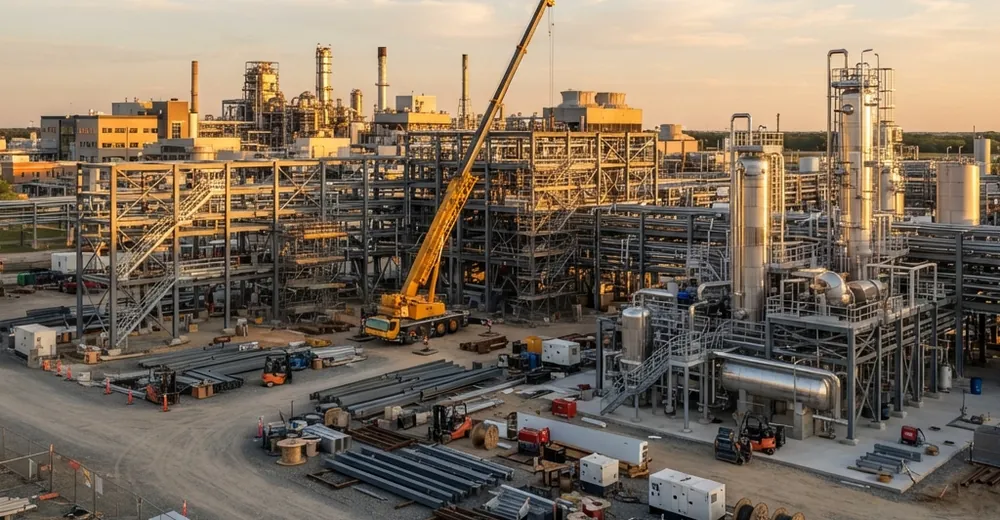
EPC / EPCM & Project Management
Feasibility, FEED, detailed engineering, procurement, construction management and commissioning for process plants.
Explore the service →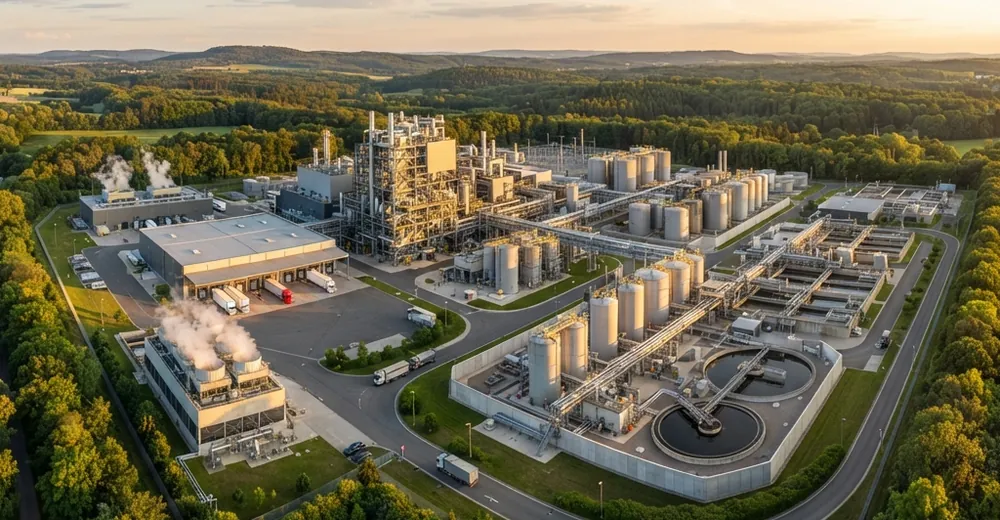
Site Master Planning & Plant Layout
Zoning, plot plans, material flow, safe separation distances, utilities and expansion planning for process plants.
Explore the service →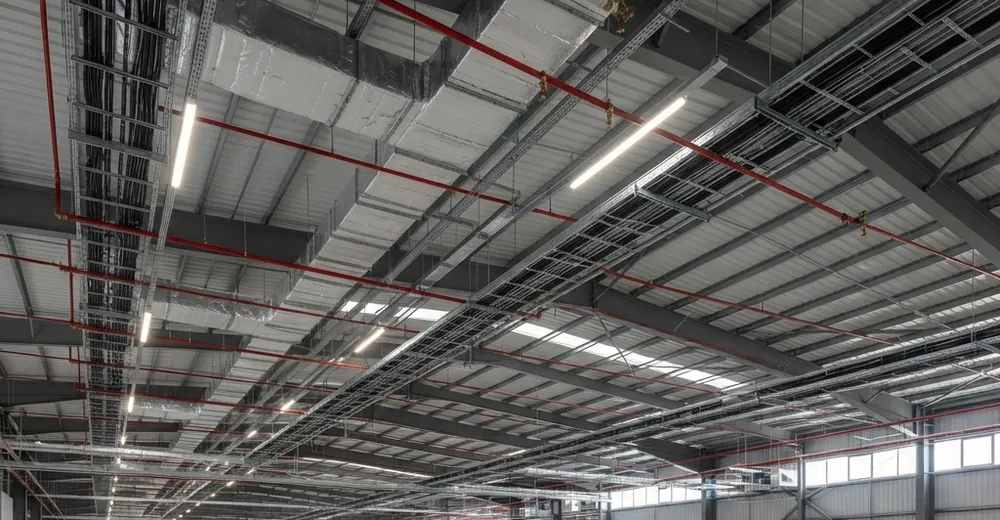
MEP, HVAC & Fire Protection Engineering
HVAC and cleanroom design, electrical and lighting, plumbing, fire protection and utilities, coordinated in one 3D model.
Explore the service →Reach us directly.
Prefer a direct line? Reach our formulation team through any channel below — we typically respond within one business day.